
Let this video guide you through submitting. There also in-depth instructions below the video.
1. First go to the Requirements tab in the application package.

2. Open flagged items by selecting the flag next to a document or requirement

The processor will have made comments for you so you know what needs to be updated. Make required updates to the application package as requested.
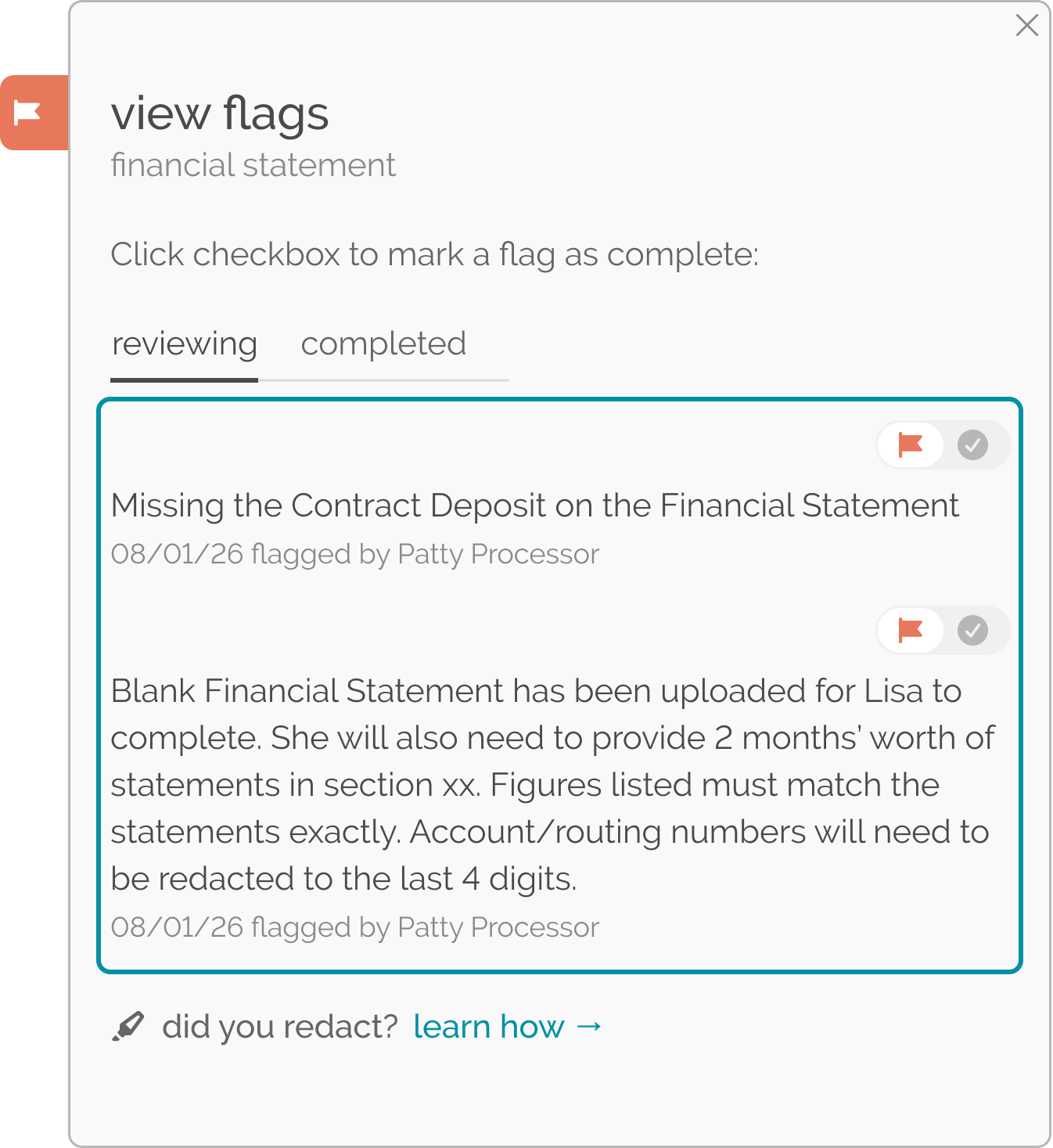
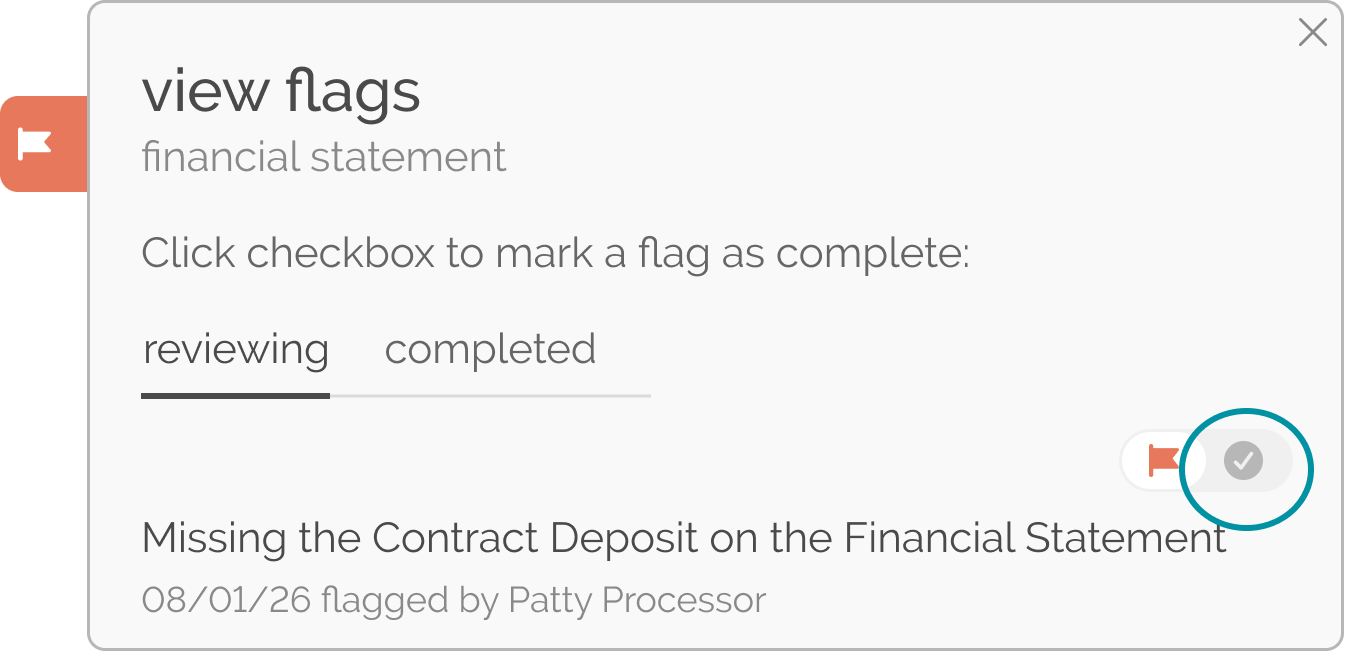
3. Make sure that all flags have been addressed by editing or adding documents before resubmitting. Then, mark the flag as finished by using the check mark as indicated.
Or, mark requirements as Finished by moving the toggle from Reviewing to Finished when you have made corrections.
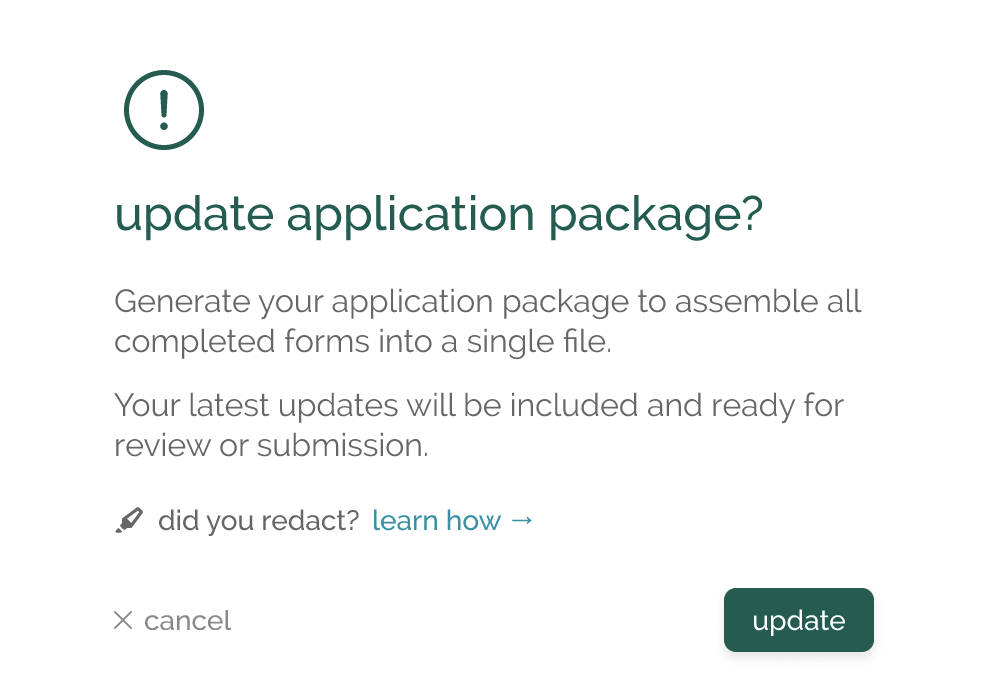
4. Update the application package. Updating the application is only available in the Requirements tab.
5. Go to the Fees/Submit tab.

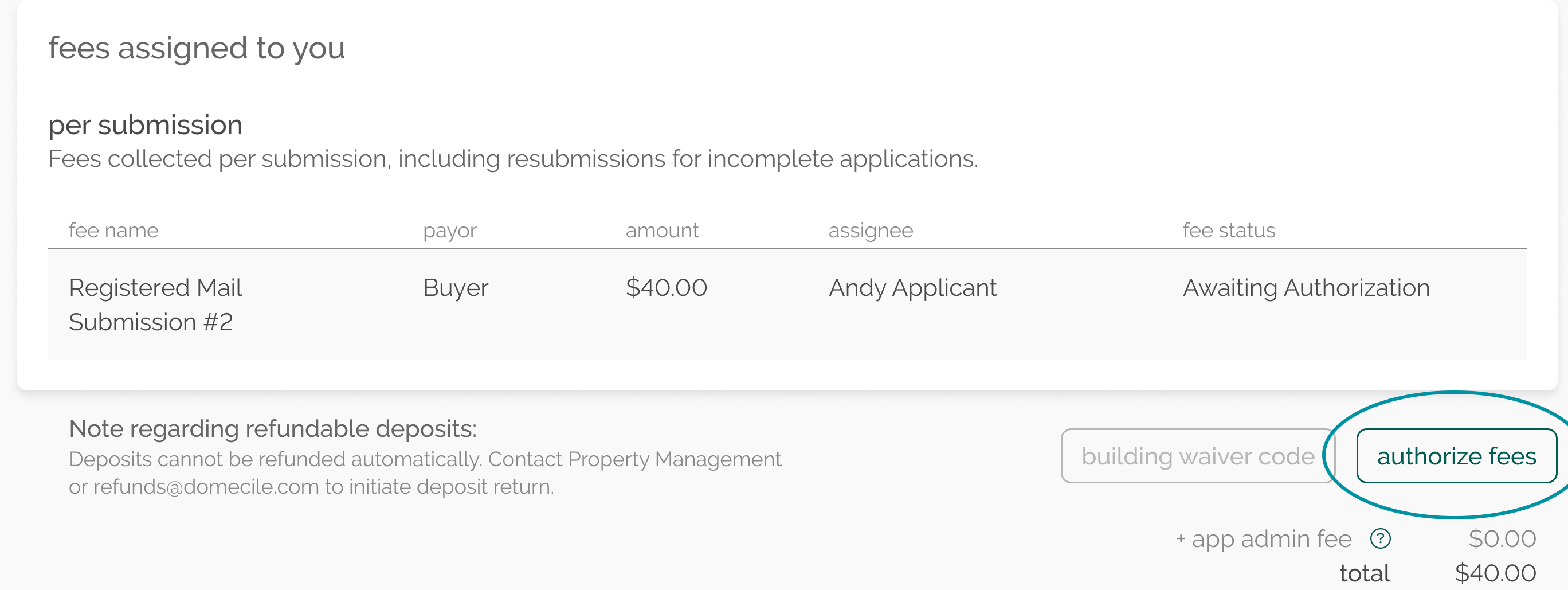
Authorize the Registered Mail fee that is required with resubmission for NYC Co-operatives with more than ten buildings.
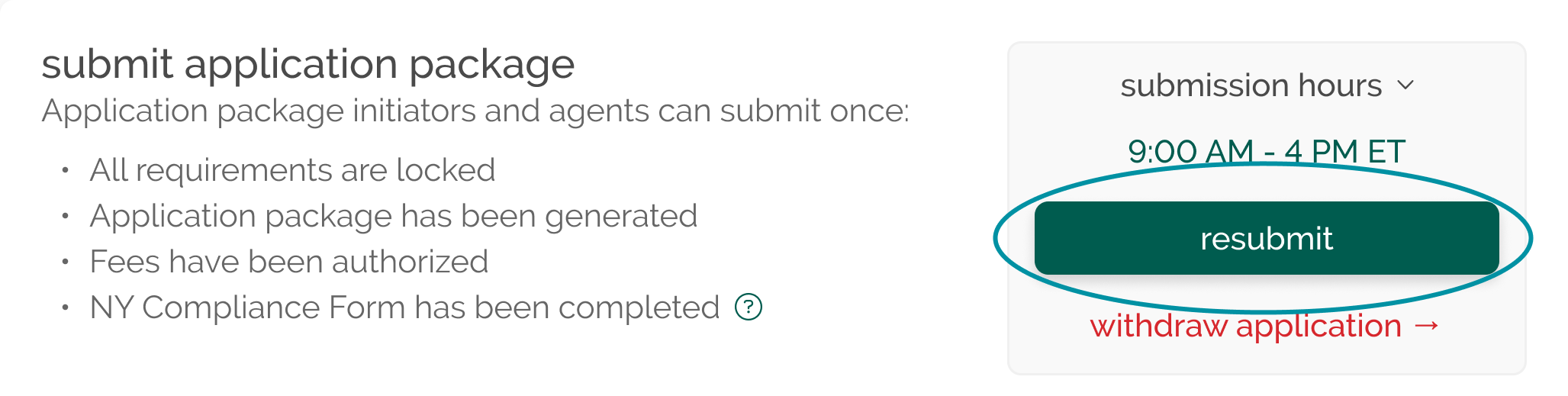
Then, select the button to resubmit to property management.
PLEASE NOTE:
Each application submission or resubmission to a co-operative building in New York City with more than 10 units is required by NY Law 58 of 2026 to receive a response by registered mail. There will be a $40 to cover the costs of sending this acknowledgment.
